Quick Start Guide
In this Quick Start guide we'll wire the SparkFun Accelerometer - BMA456 (Qwiic) into a Qwiic circuit with a RedBoard IoT - RP2350 and use the Basic Readings example in the SparkFun BMA456 Arduino library to measure acceleration on all three axes.
This guide assumes you have an understanding of using the Arduino IDE including Arduino libraries and board packages, as well as the Qwiic ecosystem. If you're not familiar with one or more of these concepts or would like more information on the BMA456 or these concepts, we recommend reading through the more detailed sections of this Hookup Guide.
Basic Assembly
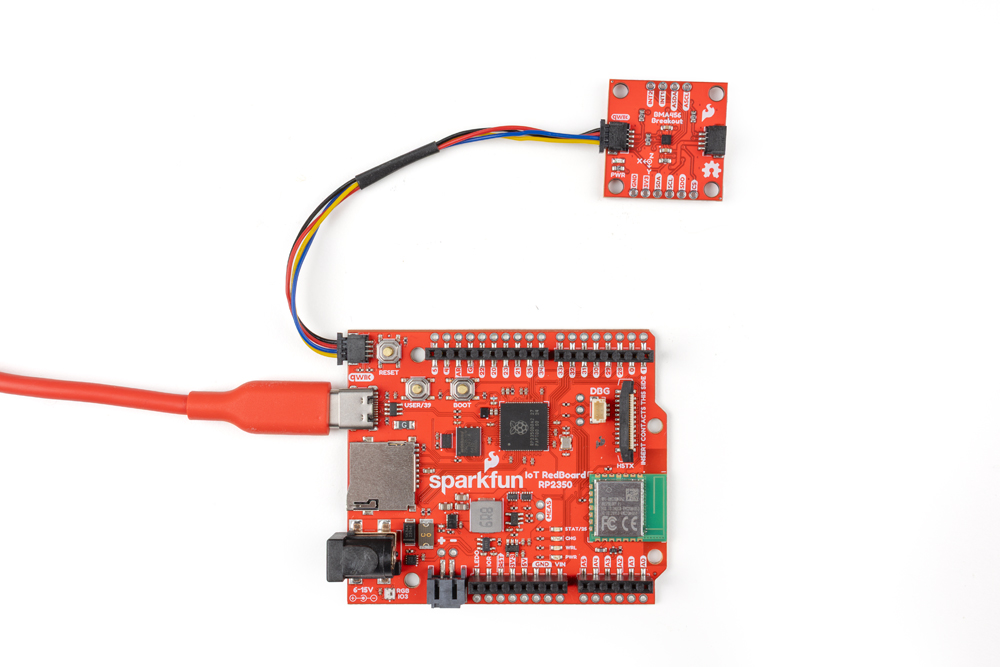
Since this is a Qwiic breakout, assembly is simple:
- Connect the BMA456 breakout to the RedBoard IoT with a Qwiic cable.
- Connect the RedBoard IoT - RP2350 to a computer over USB-C
Arduino Example - Basic Readings I2C
- Open the Arduino IDE
- Install the SparkFun BMA456 Arduino library by searching for "SparkFun BMA456" in the Libraray Manager tool. Note, this library requires the SparkFun Toolkit to be installed as well. Install that library by searching for "SparkFun Toolkit" in the Library Manager.
- Open "Example01_BasicReadingsI2C" from the BMA456 library. Select your Board and Port and click the "Upload" button.
- After the code finishes uploading, open the serial monitor with the baud set to 15200.
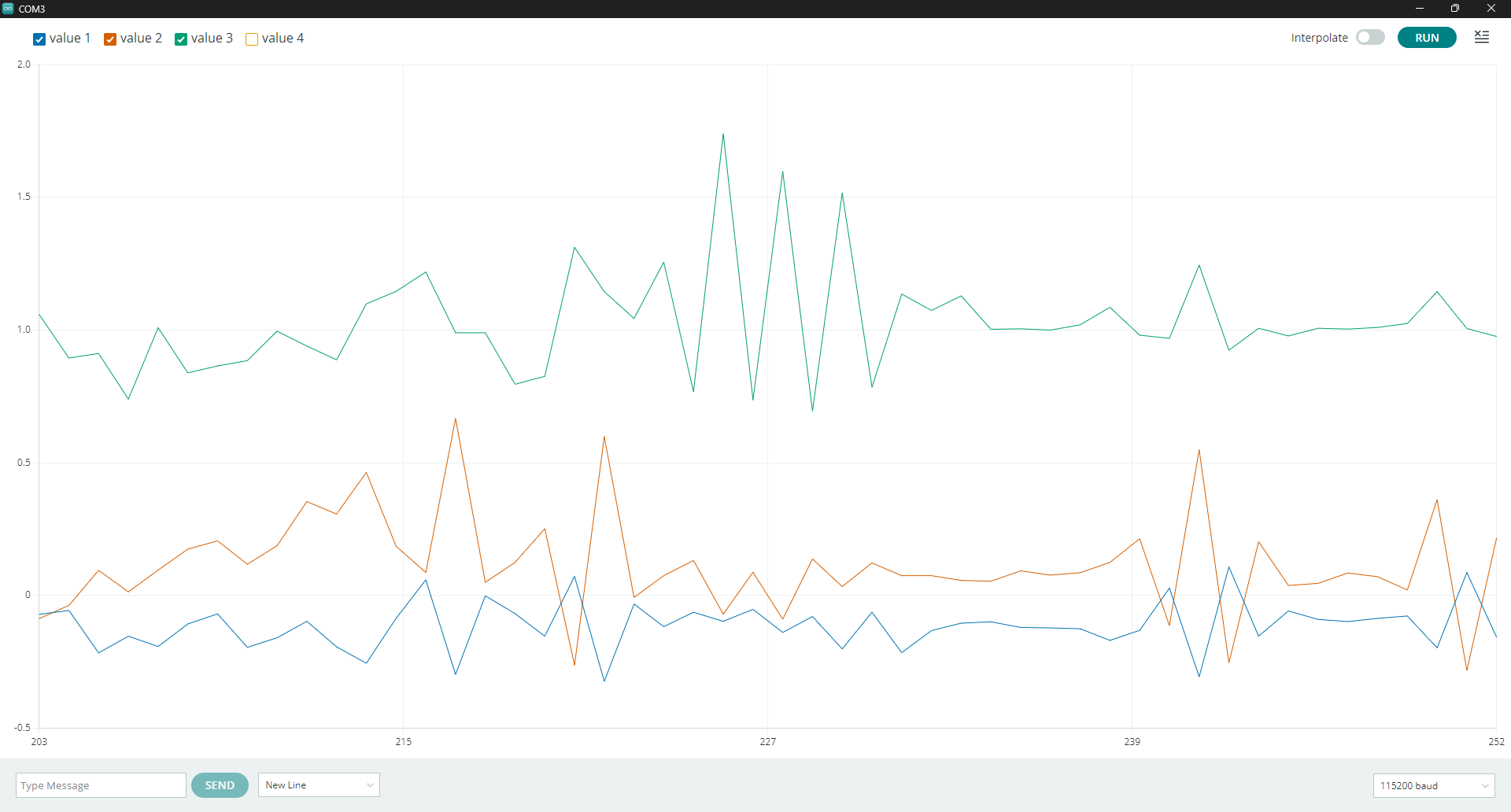
The code initializes the sensor and prints out acceleration data from all three axes along with the BMA456's internal temperature. Try moving the sensor around to see the values change. It can be hard to get a good grasp of what is happening with just raw numbers streaming by every 100ms but thankfully Arduino's serial plotter prints out a nice graphical visualization of the values changing: