Introduction
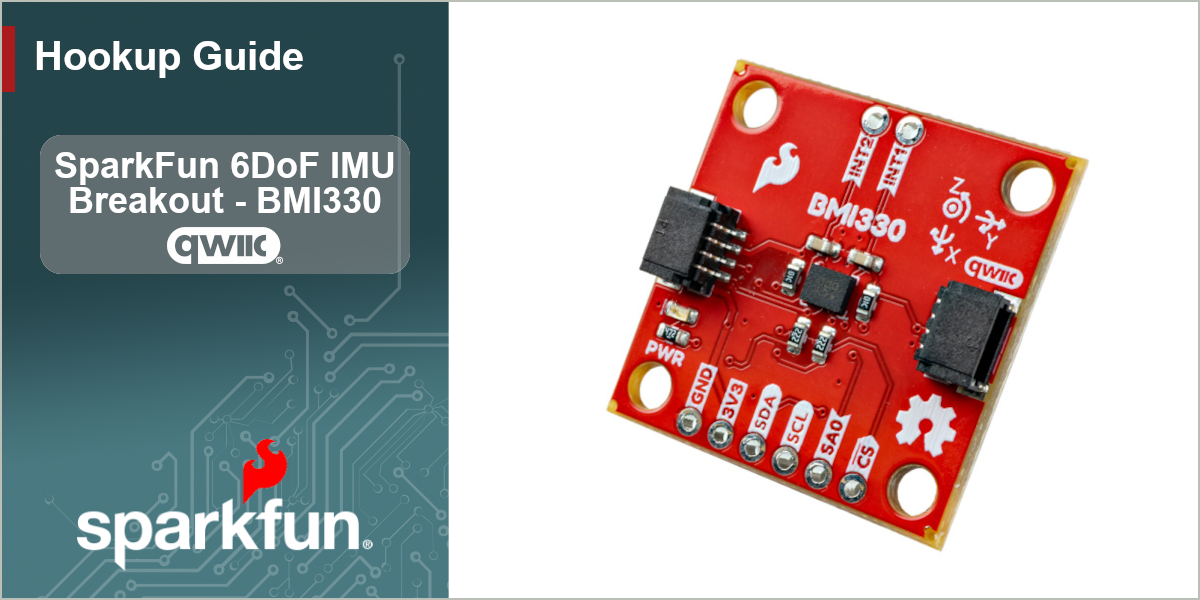
The SparkFun 6DoF IMU - BMI330 (Qwiic) is a simple motion sensing breakout to measure and log movement and acceleration. It features the BMI330 6DoF IMU from . The BMI330 has a 3-axis accelerometer with four selectable ranges (±2g, 4g, 8g and 16g) and a 3-axis gyroscope with five selectable measurement ranges (±125°/s, 250°/s, 500°/s and 1000°/s). The BMI330 has an on-chip interrupt engine with smart motion features to allow the sensor to run in low power mode while still monitoring for motion events. The motion event features include motion detection, step detection, orientation and flat detection along with single, double and triple tap detection. It also has sensor time stamps to synchronize between the IMU and host device. The sensor also includes two programmable I/O pins for use with interrupt and synchronization events. This breakout routes these I/O pins to two plated-through hole pins.
In order to follow along with this guide, you'll need the 6DoF IMU - BMI330 (Qwiic) breakout with the following items:
- SparkFun RedBoard IoT - RP2350 (or other Arduino development board)
- Qwiic Cable
- USB-C Cable
Topics Covered
This document contains three main sections: Quick Start Guide, Hardware and Software.
The Quick Start Guide goes over assembling the 6DoF IMU Breakout in a Qwiic circuit with a compatible Arduino development board and jumps right into installing and uploading an example from the SparkFun BMI330 Arduino Library to get data from the sensor in just a few minutes.
The Hardware pages include a hardware overview that provides a detailed overview of the 6DoF IMU Breakout - BMI330 (Qwiic) and all major components on the board. The Hardware Assembly page goes over the steps required to assemble and use the board to measure motion with a compatible Arduino development board.
The Software pages give instructions on how to install the SparkFun BMI330 Arduino Library and use some of the examples included in it.
Resources and Documentation
The Resources page has the board design files (KiCad files & schematic), relevant documentation (datasheets, white papers, etc.) and other helpful links. The Support page has a troubleshooting section that includes any helpful tips specific to this board as well as information on how to receive technical support from SparkFun.