Quick Start Guide
In this Quick Start guide we'll cover how to connect the Thing Plus - ESP32-C5 to a computer and then run one of the included MicroPython examples to demonstrate how to set the ESP32-C5 up as a 5GHz WiFi access point and scans for WiFi networks and devices in range. This guide assumes users have a working knowledge of MicroPython and MicroPython interpreters.
Basic Assembly
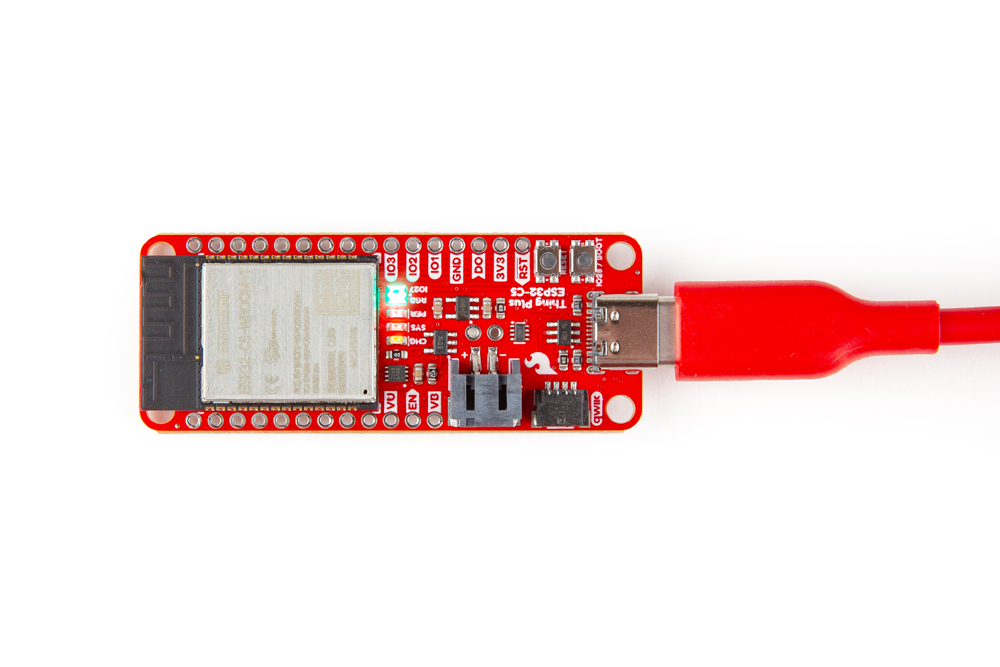
Basic assembly for this example just requires plugging the Thing Plus - ESP32-C5 into a computer over USB-C.
MicroPython Example - WiFi Scan
The Thing Plus - ESP32-C5 comes flashed with MicroPython firmware that includes two simple examples to get started with the ESP32-C5 and wireless networks.
- Open your preferred MicroPython environment or IDE and connect to the Thing Plus's USB port.
- Open the "wifi_demo.py" example from the device.
- Run the example.
- The Thing Plus - ESP32-C5 creates a WiFi access point, creates a WiFi station and then performs a WiFi access point scan to detect WiFi networks and devices in its range. Once it finishes the scan it prints out all networks and devices it sees over serial:
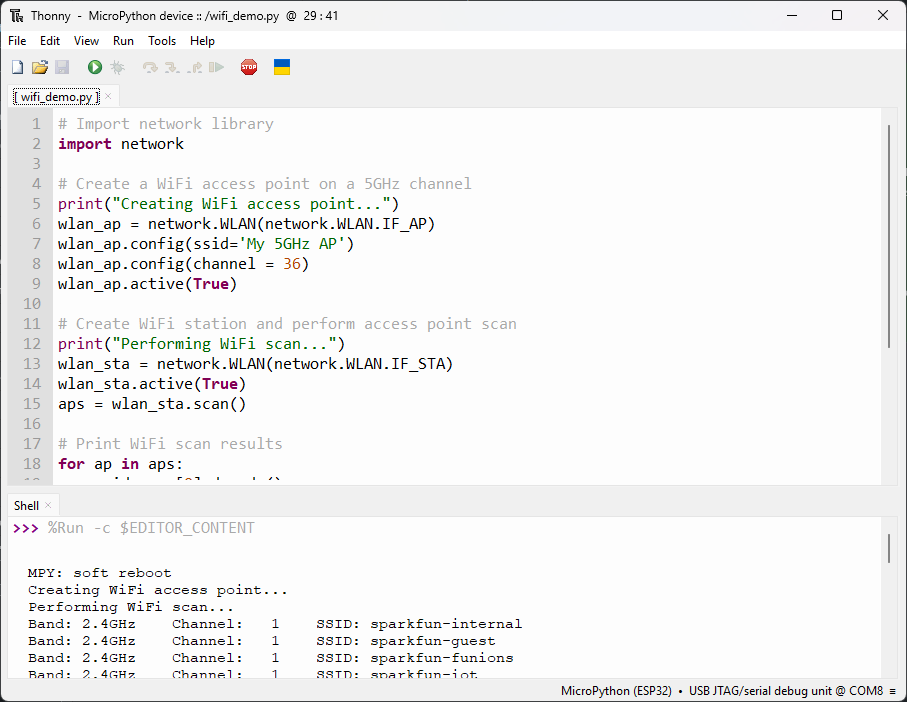
This list includes the WiFi Band, Channel and SSID of all networks and devices it detects in range.