Introduction
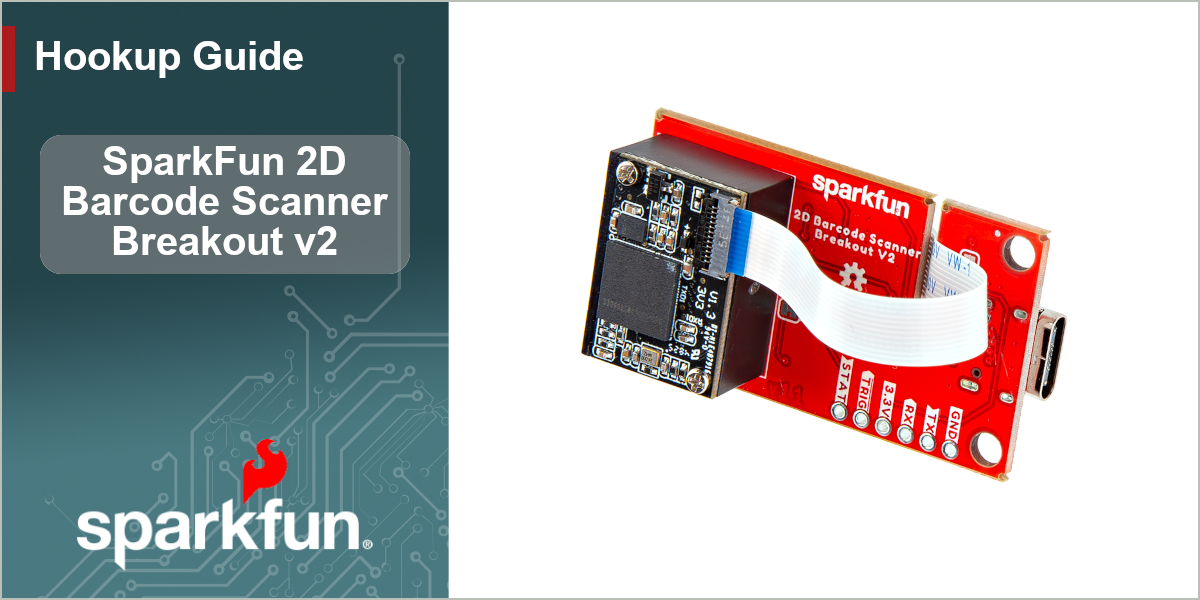
The SparkFun 2D Barcode Scanner Breakout - V2 is a nifty little breakout board featuring the DE2290 barcode scanner module from DYScan. The DE2290 reads 20 different barcode symbologies (both 1D and 2D) using a camera coupled with on-board image processing to identify and decode everything from UPC codes to QR codes. The module also features two LEDs: one for illumination and one to project the red line for "aiming" that you're used to seeing from laser-based scanners.
The breakout makes it easy to use the scanner module by connecting the scanner's USB serial output to a USB-C connector. The breakout also includes a standard 0.1"-spaced PTH header for power, serial UART, trigger and status output connections. On top of that, we've added a trigger button, buzzer and status LED connected to the appropriate drive circuits to easily initialize scans and receive feedback from scanning barcodes.
Note About Versions
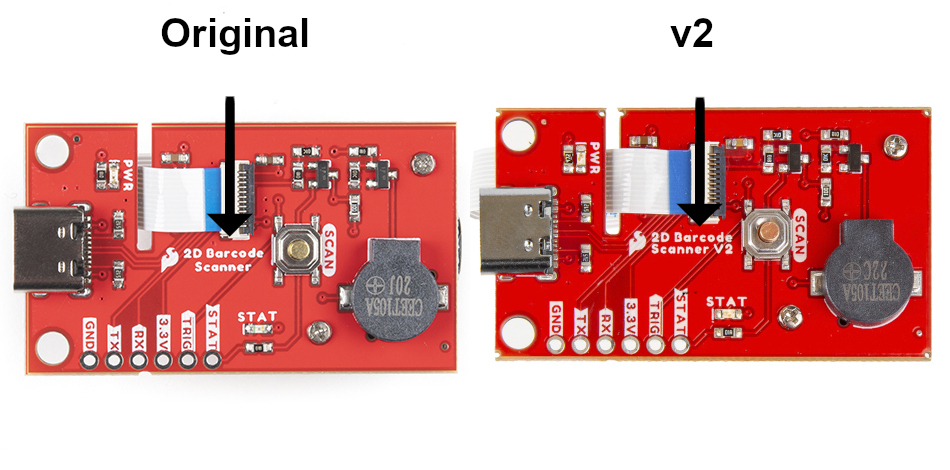
This version of the 2D Barcode Scanner Breakout (V2) is physically identical to the previous version and the DE2290 functions the same as the DE2120 but uses a different naming convention for the command set. This version works as a drop-in replacement but must use the updated commands. The previous version's Arduino library and Python package have been ported to new versions that use the DE2290 command set. The silkscreen on this version reads "2D Barcode Scanner V2". Refer to the image below to make sure you are using the correct version:
Topics Covered
This guide contains three main sections: Quickstart Guide, Hardware and Software.
The Quickstart Guide covers how to plug the Barcode Scanner Breakout into a computer over USB and use it as a COM device to scan codes and print them out in a serial terminal.
The Hardware section provides a detailed overview of the DE2290 and other hardware on the 2D Barcode Scanner Breakout and covers how to connect the breakout to both a computer as well as a SparkFun RedBoard to use it with the Arduino IDE.
The Software section covers how to install the SparkFun DE2290 Arduino Library along with brief overviews of some of the examples included in the library.
Resources and Support Documentation
You'll find the board design files (Eagle files & schematic), relevant documentation (datasheets, white papers, etc.) and other helpful links in the Resources. Lastly, the Support section includes a Troubleshooting page that includes any helpful tips specific to this board as well as information on how to receive technical support from SparkFun.