Hardware Assembly
Basic Assembly
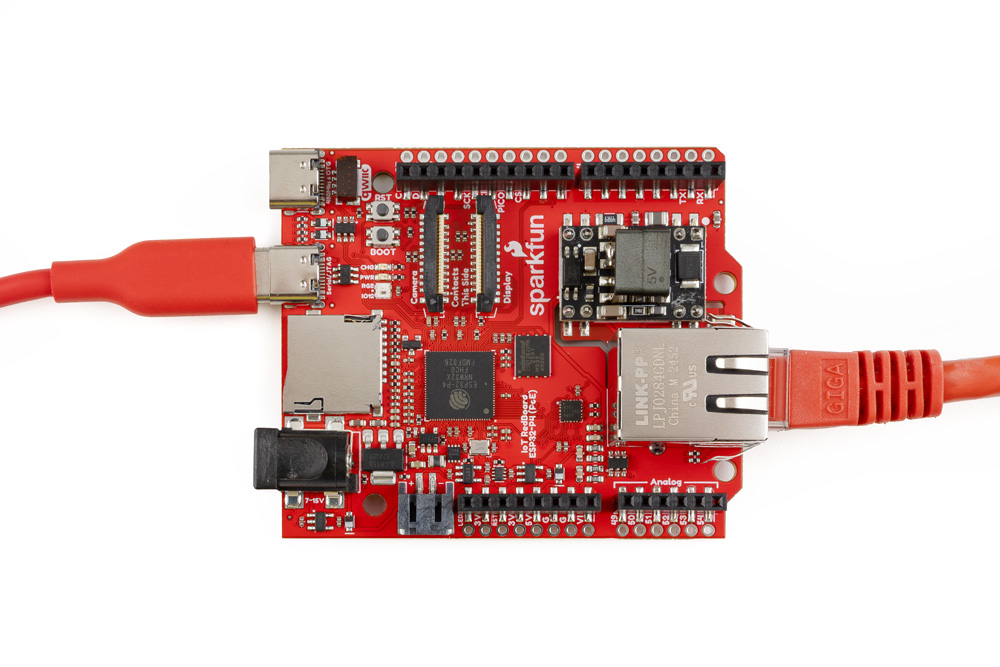
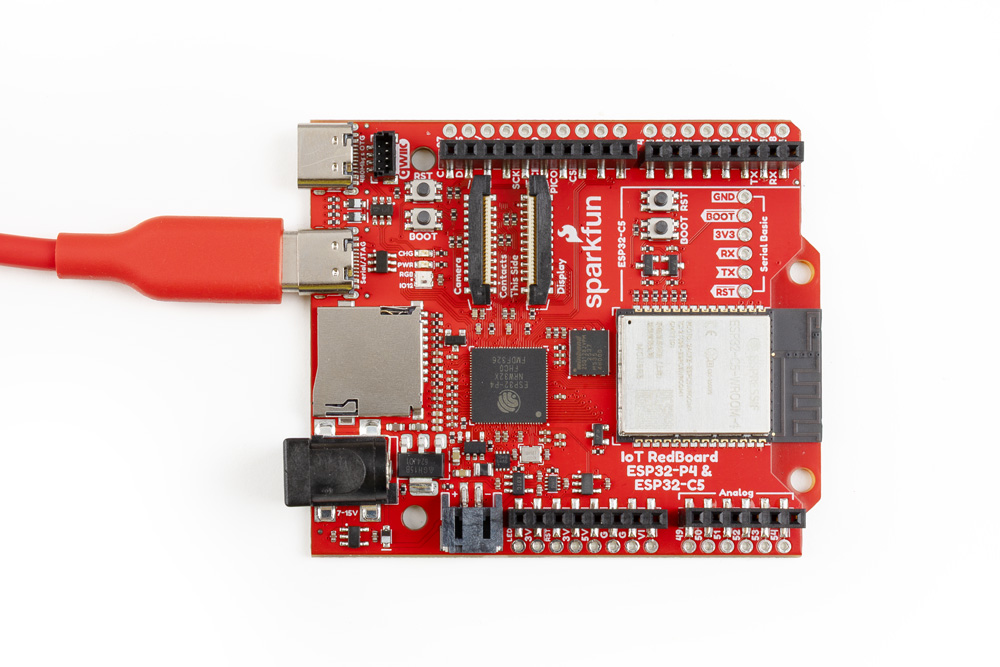
Connect the IoT RedBoard - ESP32-P4 to a computer by plugging a USB-C cable into the JTAG/Serial USB-C connector.
Ethernet Connection (PoE Version Only)
If you're using the PoE version of this RedBoard, connect an Ethernet cable plugged into a network hub/router to the RedBoard's MagJack connector.