Introduction
[ ]
]
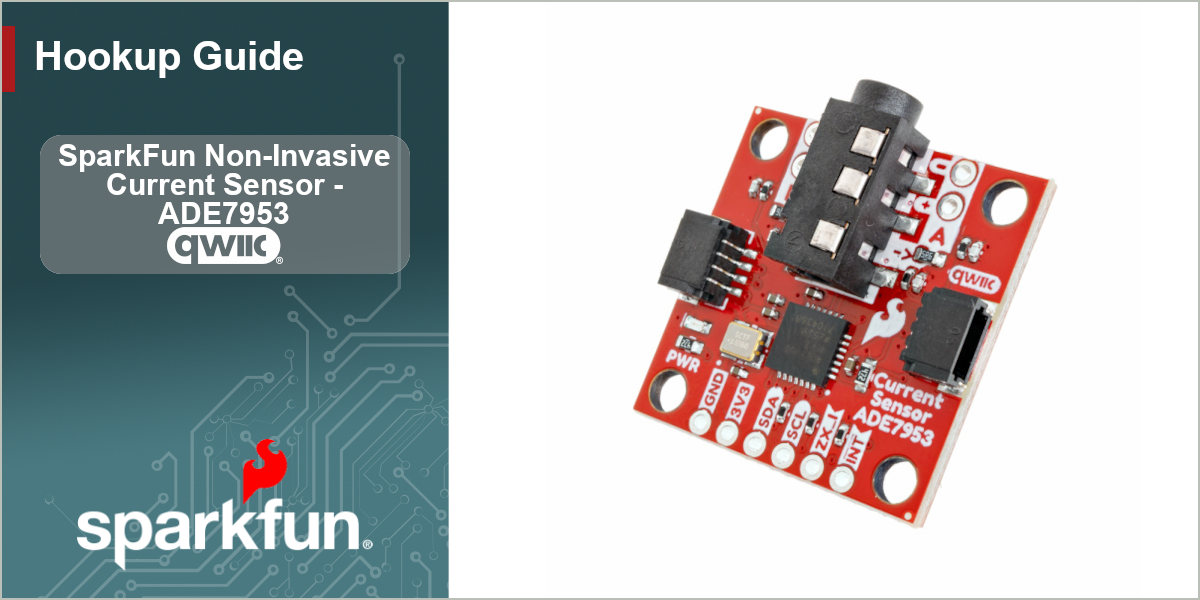
Designed to work with a non-invasive current clamp, the SparkFun Non-Invasive Current Sensor - ADE7953 (Qwiic) makes it easy to monitor the power drawn by AC devices over I2C without having to disconnect the circuit, cut or splice any wires. The ADE7953 single phase multifunction metering IC from Analog Devices is a single phase metering IC that also can measure neutral current on a second channel.
This board comes with a 3.5mm TRRS jack input that connects to the ADE7953's Current Channel A allowing users to easily connect a non-invasive current clamp (sometimes referred to as a current clamp) to the board. The board also breaks out both the A and B current channels to plated-through hole pins but does not break out the ADE7953's voltage measurement channel so this board can only measure AC current. Note: The A and B PTHs have a 1:1 current transformer ratio and can only measure AC current under 100mA safely.
In order to follow along with this guide you'll need the SparkFun Non-Invasive Current Sensor - ADE7953 (Qwiic) along with the following items:
- Split-Core Current Transformer - 100A to 50mA* (or other current transformer/current clamp)
- SparkFun RedBoard IoT - RP2350 (or other Arduino development board)
- USB-C Cable
- Qwiic Cable
Note: The SparkFun Non-Invasive Current Sensor Kit includes the Split-Core Current Transformer.
Topics Covered
This document contains three main sections: Quick Start Guide, Hardware and Software.
The Quickstart Guide assumes a working knowledge of how to assemble and use Qwiic breakouts, measuring current with a split-core current transformer and using the Arduino IDE. It demonstrates how to connect the Non-Invasive Current Sensor - ADE7953 (Qwiic) to a split-core current transformer and then jumps right into getting the necessary software packages installed to start uploading code in just a few short minutes.
The Hardware pages include a hardware overview that provides a detailed overview of the Non-Invasive Current Sensor - ADE7953 (Qwiic). The Hardware Assembly page goes over the steps required to assemble and use the board to measure current with a compatible Arduino development board.
The Software pages give instructions on how to install the SparkFun ADE7953 Arduino Library and use some of the examples included in it.
Resources and Documentation
The Resources page has the board design files (KiCad files & schematic), relevant documentation (datasheets, white papers, etc.) and other helpful links. Lastly, the Support pages include a Troubleshooting page that includes any helpful tips specific to this board as well as information on how to receive technical support from SparkFun.