Introduction
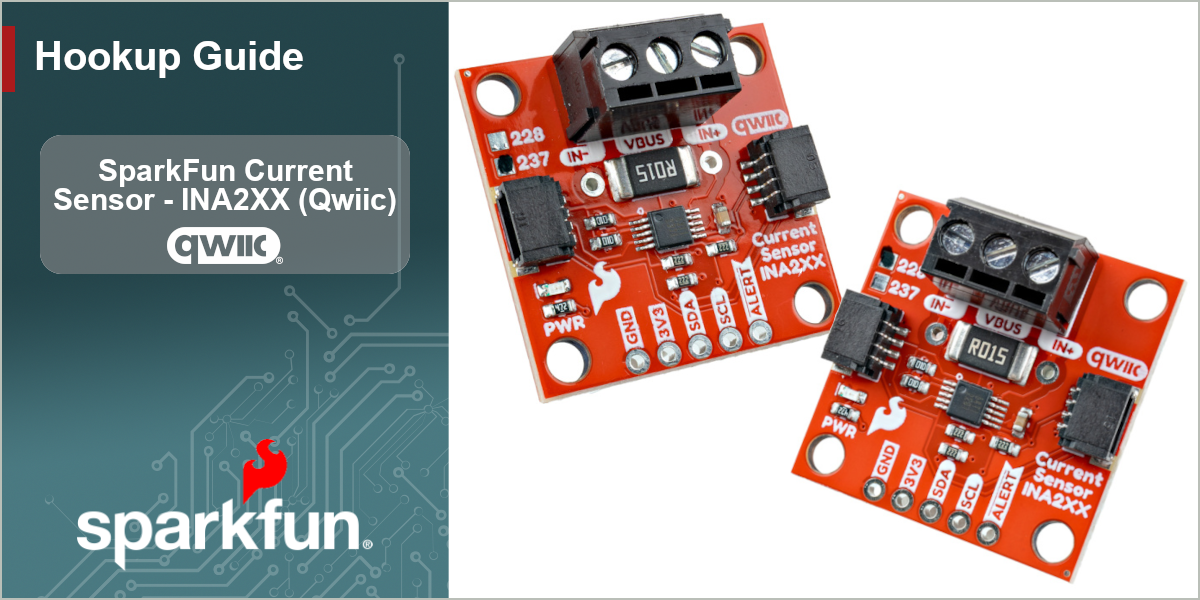
The SparkFun Current Sensor - INA228 and INA237 (Qwiic) breakouts make it easy to monitor power and measure DC current over I2C with high precision. This pair of breakouts feature the INA228 and INA237 digital power monitors from Texas Instruments™. Both power monitor ICs share similar features and parameters with the main difference being the INA237 has a 16-bit ADC and the INA228 has a 20-bit ADC as well as the ability to measure energy and charge accumulation. These power monitors have matching pinouts so they share a PCB design with an indicator box on the top left of the board to identify the version. This design includes both a 3-pin screw terminal and pair of Qwiic connectors to allow for a solderless power monitor setup using the Qwiic ecosystem.
In order to follow along with this guide you'll need either the SparkFun Current Sensor - INA228 (Qwiic) or the SparkFun Current Sensor - INA237 (Qwiic) along with the following items:
- SparkFun RedBoard Plus (or other Arduino development board)
- USB-C Cable
- Qwiic Cable
- Your device or circuit to be monitored.
Note On Naming: When referring to a topic that covers both sensors in this guide, we'll use the term "INA2XX". Anything referring to either specific sensor will use the full sensor name (INA228 or INA237).
Topics Covered
This document contains three main sections: Quick Start Guide, Hardware and Software.
The Quickstart Guide assumes a working knowledge of how to assemble and use Qwiic breakouts, measuring current in series and using the Arduino IDE. It demonstrates how to wire up the Current Sensor - INA2XX (Qwiic) to a DC load and then jumps right into getting the necessary software packages installed to start uploading code in just a few short minutes.
The Hardware pages include a hardware overview that provides a detailed overview of the Current Sensor - INA2XX (Qwiic) covering both the INA228 and INA237 along with all the major components on the board in detail. The hardware assembly page goes over the steps required to assemble and use the board to measure current with a compatible Arduino development board.
The Software pages give instructions on how to install the SparkFun INA2XX Arduino Library and use some of the examples included in it.
Resources and Documentation
You'll find the board design files (KiCad files & schematic), relevant documentation (datasheets, white papers, etc.) and other helpful links in the Resources tab. Lastly, the Support pages include a Troubleshooting page that includes any helpful tips specific to this board as well as information on how to receive technical support from SparkFun.