Hardware Assembly
Basic USB Assembly
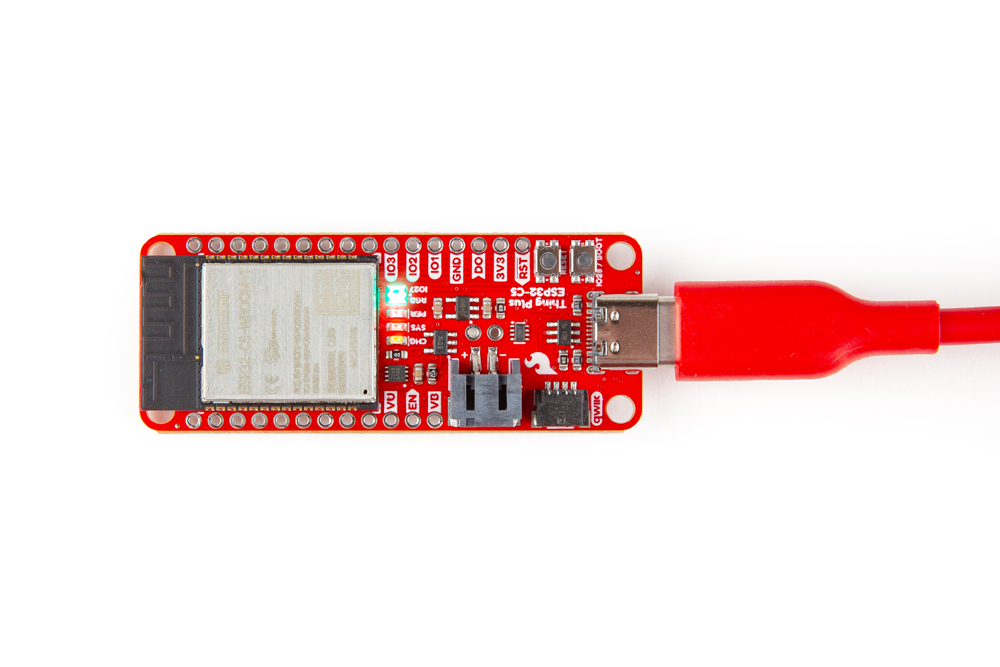
Basic assembly of the Thing Plus ESP32-C5 only requires a USB-C cable connecting the board to a computer. Just plug the cable into the USB-C connector like the photo below shows and you should see the RGB LED cycling through rainbow colors with the pre-loaded test code. From here, we can move on to working with the included MicroPython examples or installing the espressif boards package in the Arduino IDE.
Battery Assembly
If you prefer a battery-powered application, plug a single-cell LiPo battery into the 2-pin JST connector on the underside of the board like the photo below. Remember, the MCP73831 only charges the battery when V_USB has voltage present either from the USB-C connector or through the V_USB PTH pin.